Administrator: Turn on XactAI in ClaimXperience
 Updated
by
Jennifer B.
Updated
by
Jennifer B.
In ClaimXperience, XactAI can process receipts for additional living expenses and create summaries of audio and video transcriptions.
Users must have an XactAI license to use it within ClaimXperience.
- From within the administrator view of ClaimXperience, select Settings from your side navigation menu.
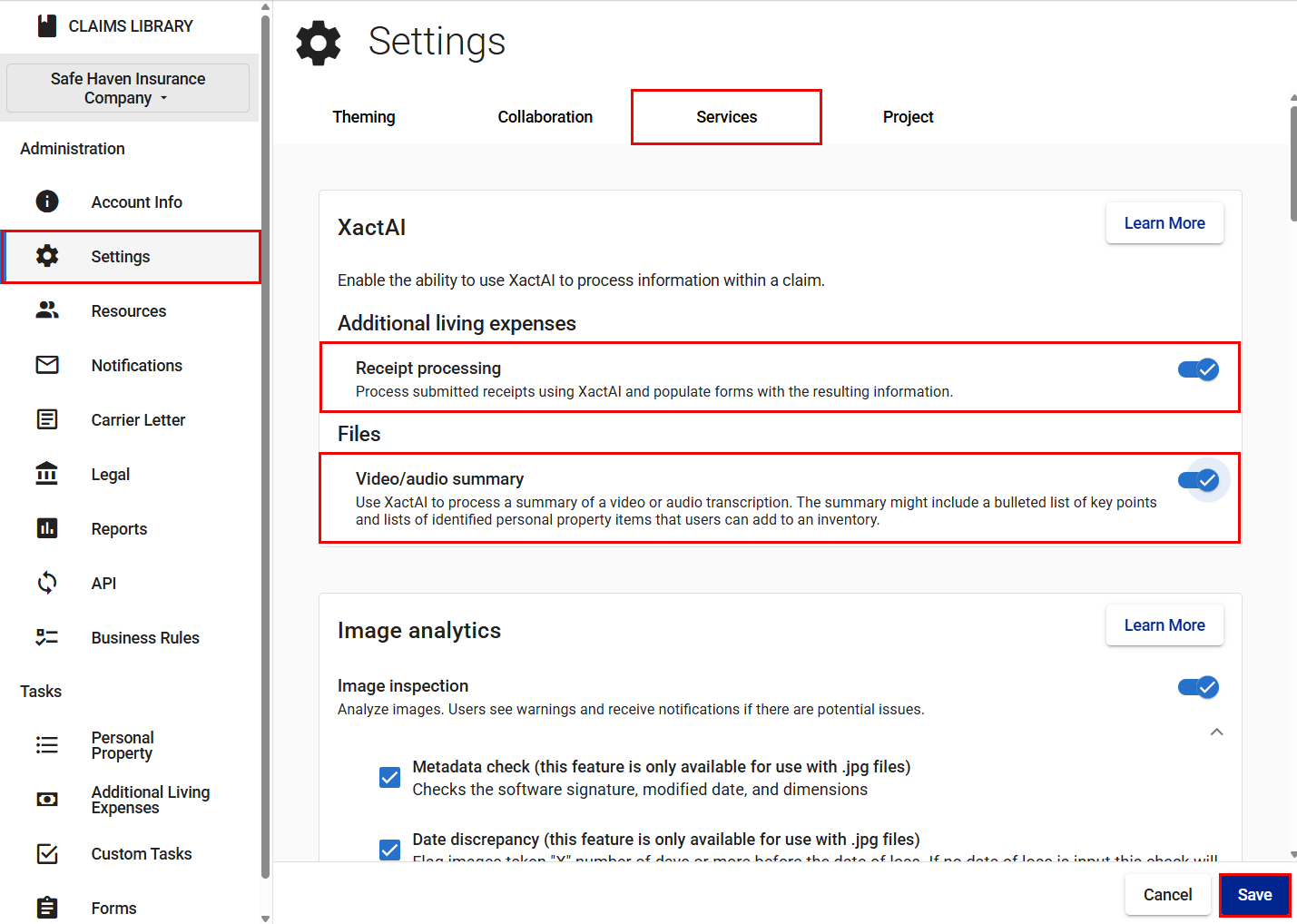
- Select Services.
- Switch on the toggle for Receipt processing, Video/audio summary, or both.
- Select Save.