Admin: XactContents integration
 Updated
by
Jennifer B.
Updated
by
Jennifer B.
ClaimXperience projects created from XactContents are in a free, limited state with access restricted to certain functionality within the Contents tab. These projects can be manually unlocked at any time within a project or can be unlocked automatically if you switch on that option. Unlocking incurs a fee for each project and allows users greater access to Personal Property options.
Unlocking
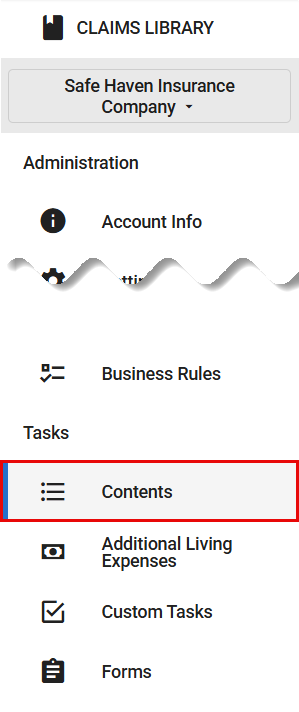
- In the administrator view of ClaimXperience, select Contents from your side navigation menu.
- Select the Automatically unlock projects (will incur a per-project fee) tick box.
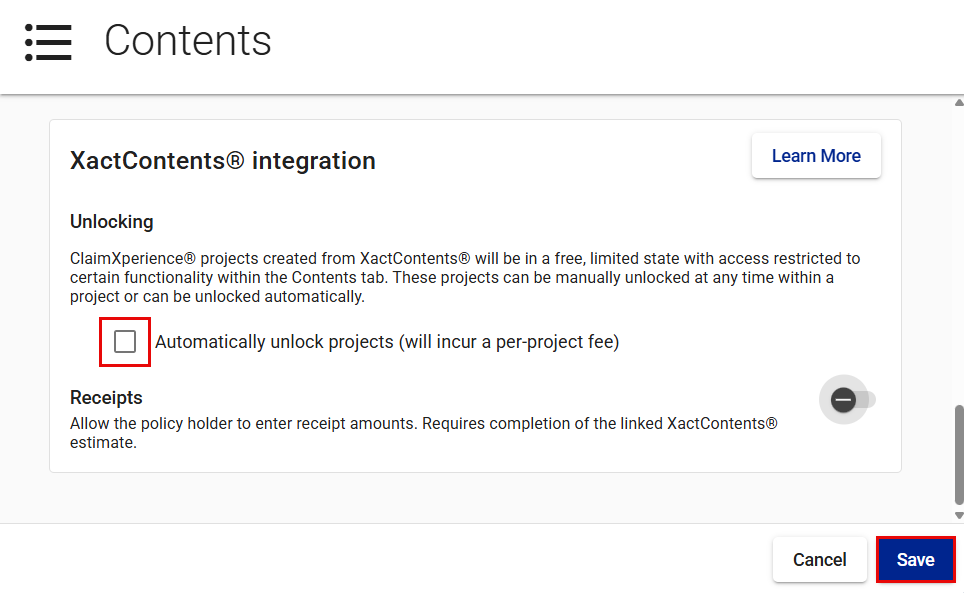
- Select Save.
Receipts
You can also allow the policyholder to enter receipt amounts after the completion of the linked XactContents estimate.
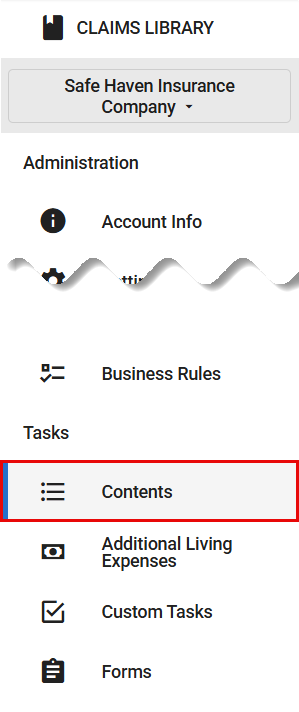
- In the administrator view of ClaimXperience, select Contents from your side navigation menu.
- Switch on the Receipts toggle to allow policyholders to enter receipt amounts after the linked XactContents estimate is complete.
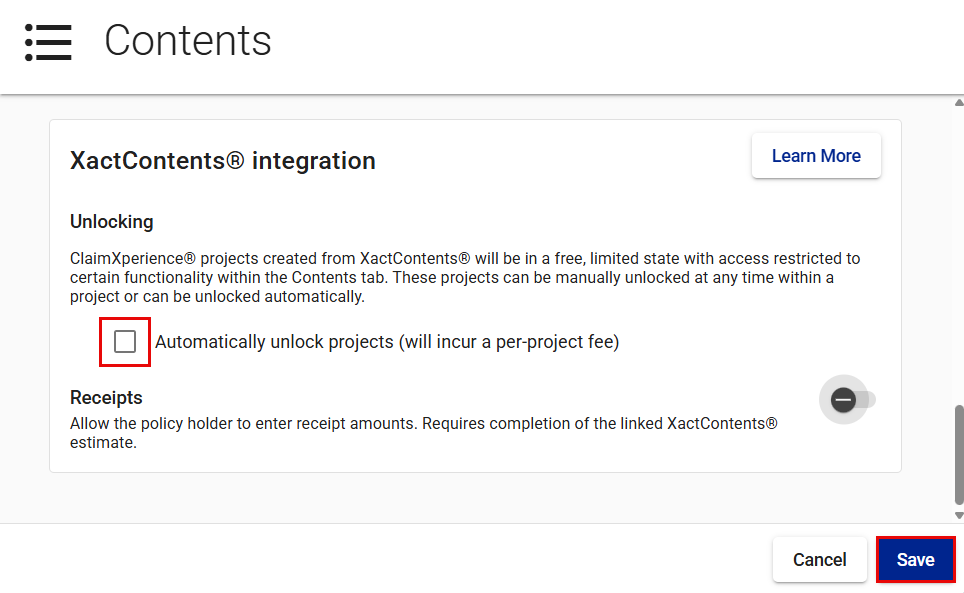
- After switching on the Receipts toggle, you can choose to have the user proceed to the receipts workflow automatically by selecting the Automatically advance to the receipts workflow step when the XactContents estimate is completed tick box.
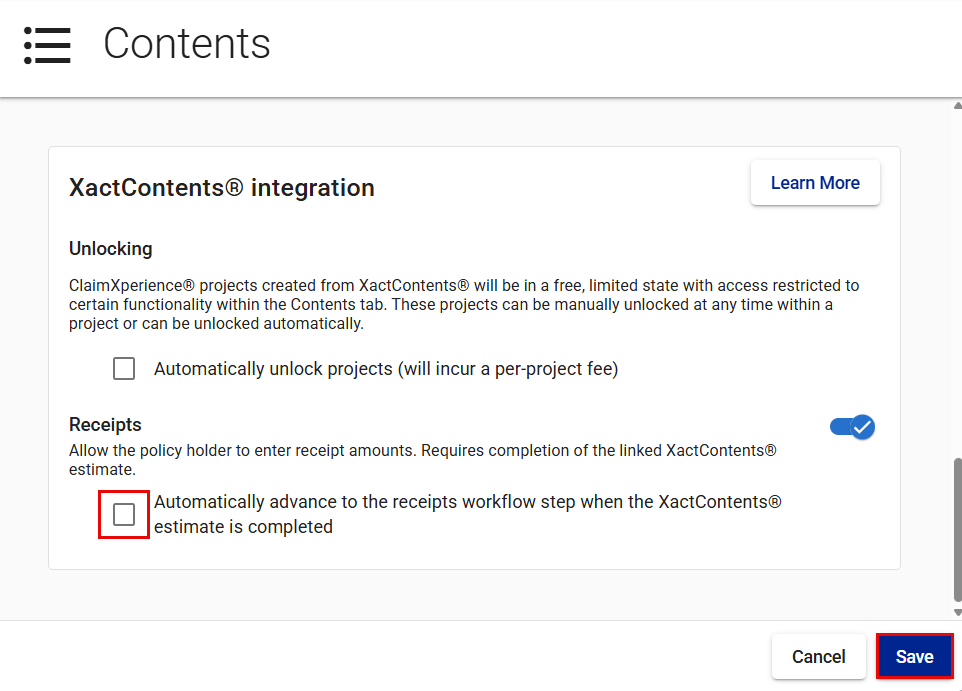
- Select Save.